WEEK 05
March 6, 2026 - March 12, 2026
From Jade Seal to Tang Horse:
Navigating Mask Refinements, Mesh Reconstructions, and a Midweek Sprint Pivot
fixed bottom of seal
fixed mask for seal in photshop and three iterations with newer mask versions
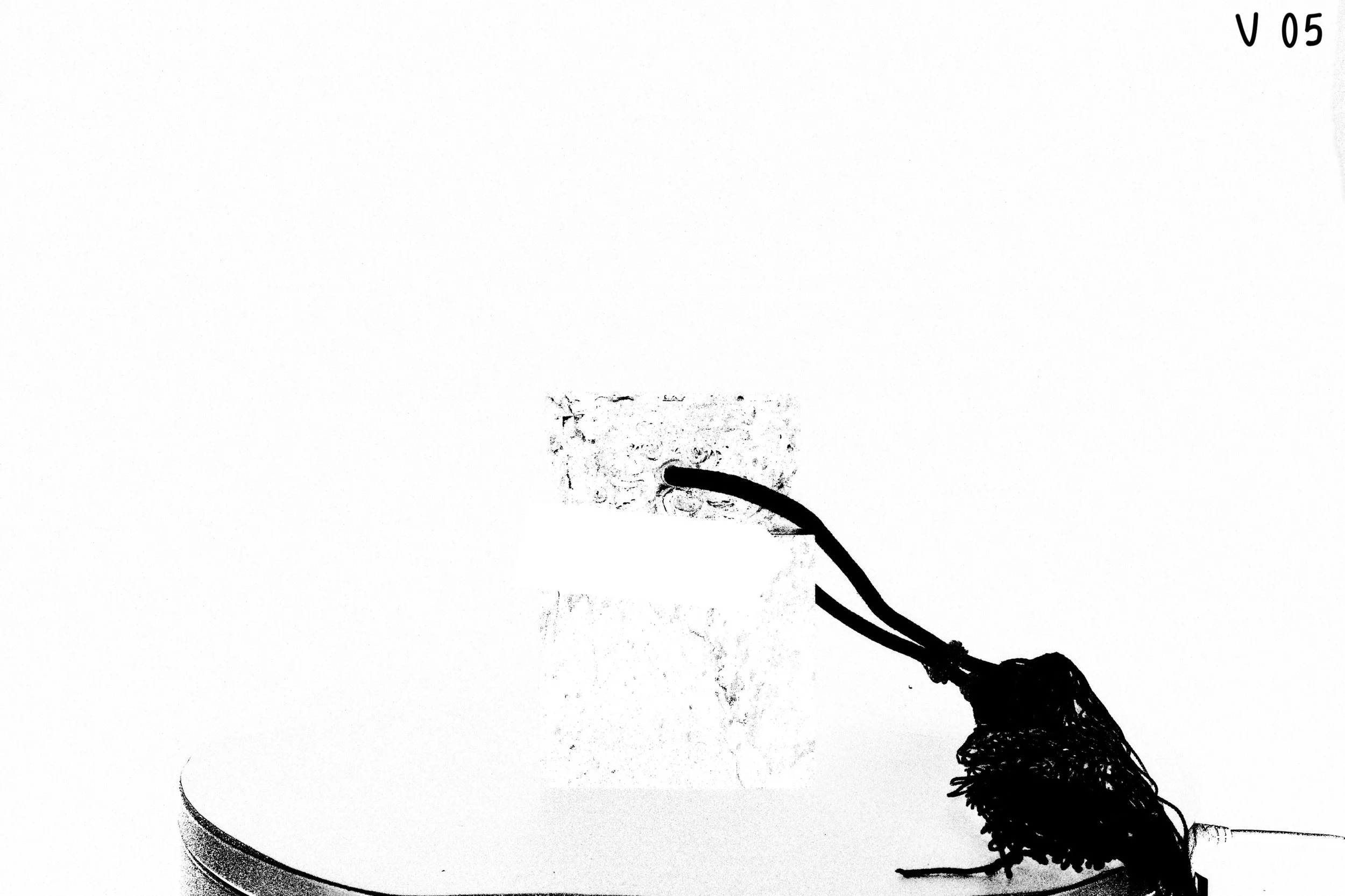
v05 - new closeups included testings
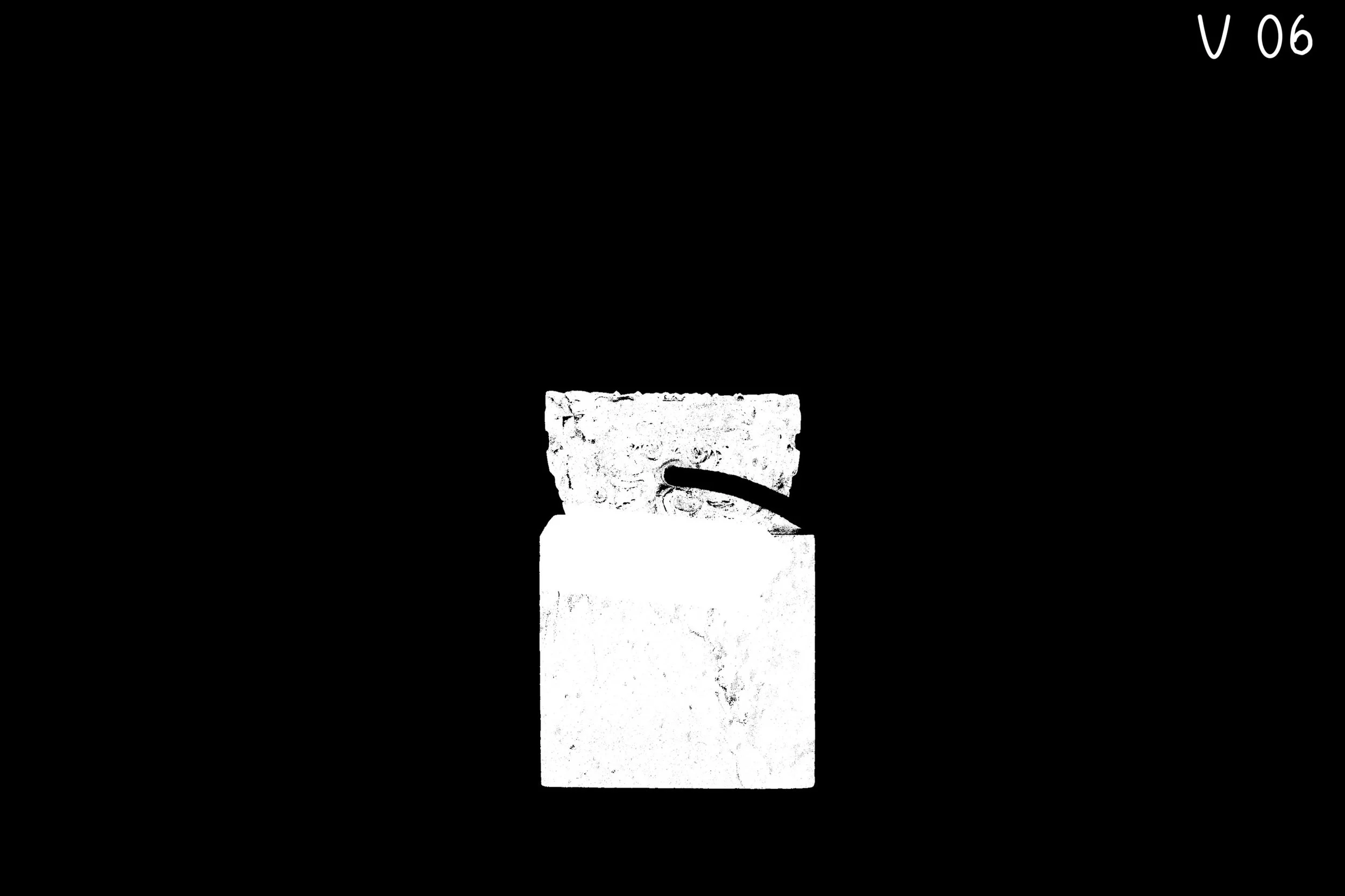
v06 - mask of seal masking out turntable, tassel and background (black out the masked regions); issue: mask has certain details being picked up from the keyer
Stand-Up Update - 03/09/26
What I Did:
-----------------------------
- Refined and cleaned PNG mask sequence in photoshop for pure white and transparent image sequence
- Constructed Jade Seal in Agisoft's Metashape as trial and comparison to Reality scan mesh construction results
- Constructed Buddha in Agisoft's Metashape as trial and comparison to Reality scan mesh construction results
What I'm working on:
-----------------------------
- Need to reconstruction mesh in reality scan with the newly refined mask PNG sequence as comparison to the last updated version
- Clean the master of the Jade Seal based the reconstructed mesh results
Any Blockers or Challenges:
------------------------------
- Refining the mask PNG sequence was a repetitive task and tedious, time consuming work due to issues with photoshop actions to reduce the steps and object selection variability for each image ( had to manually fix the selection for some of the images with a combination of the selection tools available)
Additional Notes or Updates:
------------------------------
- Refined mask is in this path: F:\Areas\Box\PXF\Projects\Crow\assets\jadeSeal\jadeSeal_scan_jvarghese\mask_refine
- Updated the jade seal and buddha results at and after pxf reviews
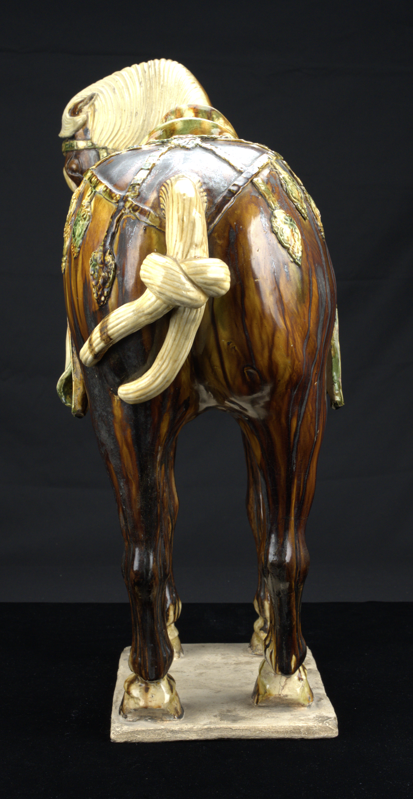
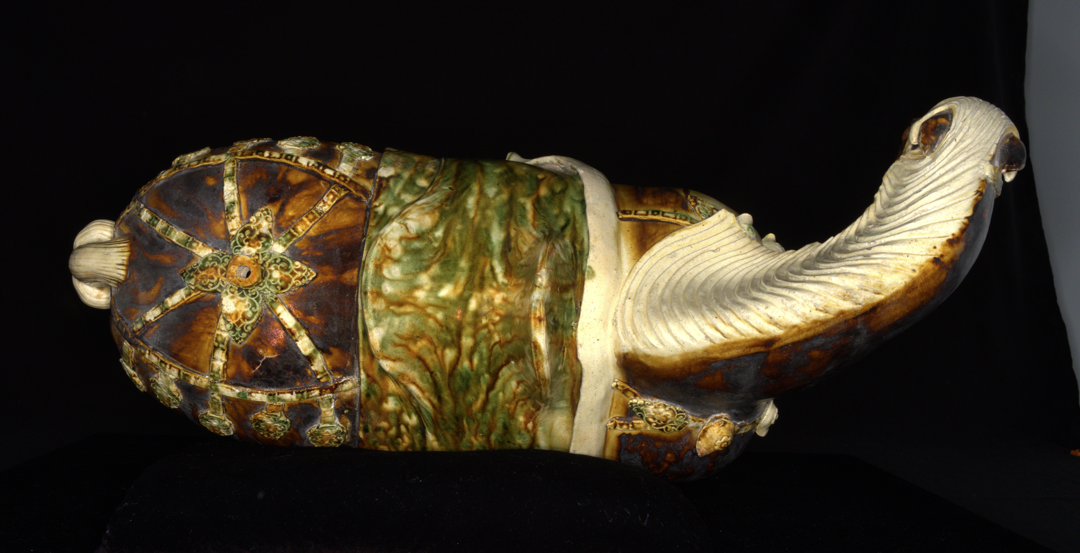
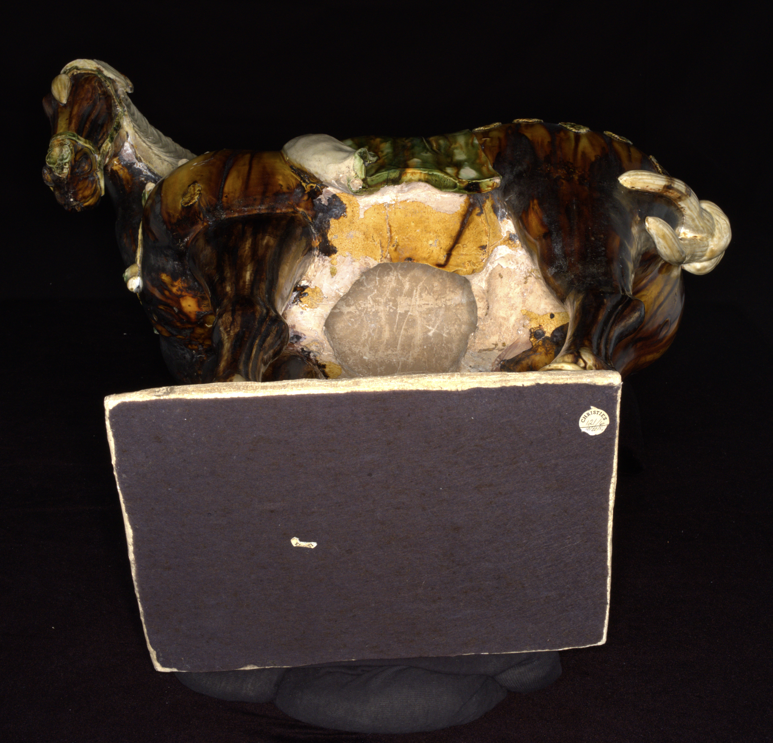
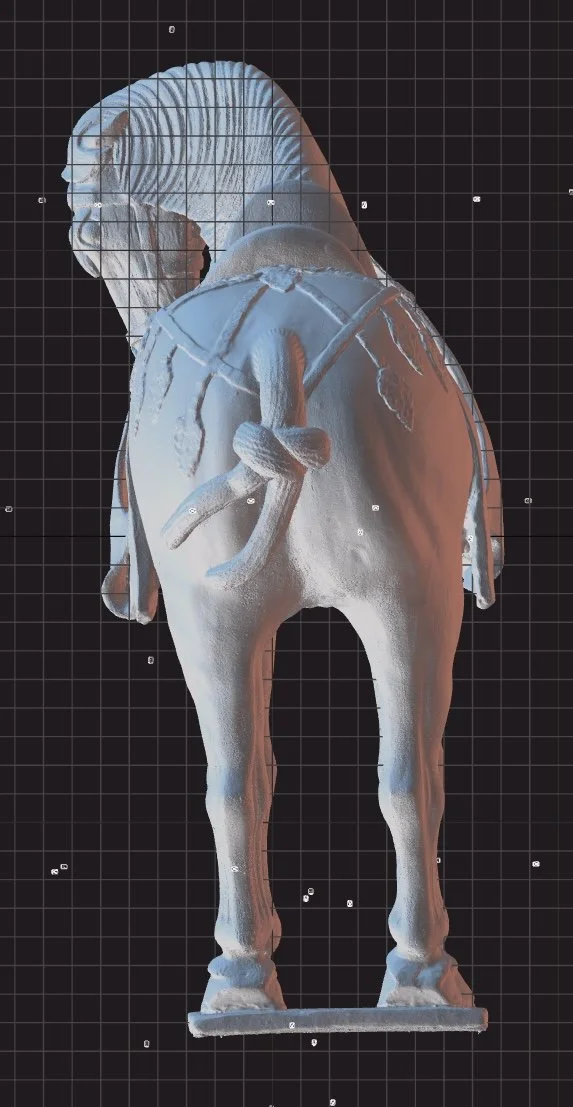
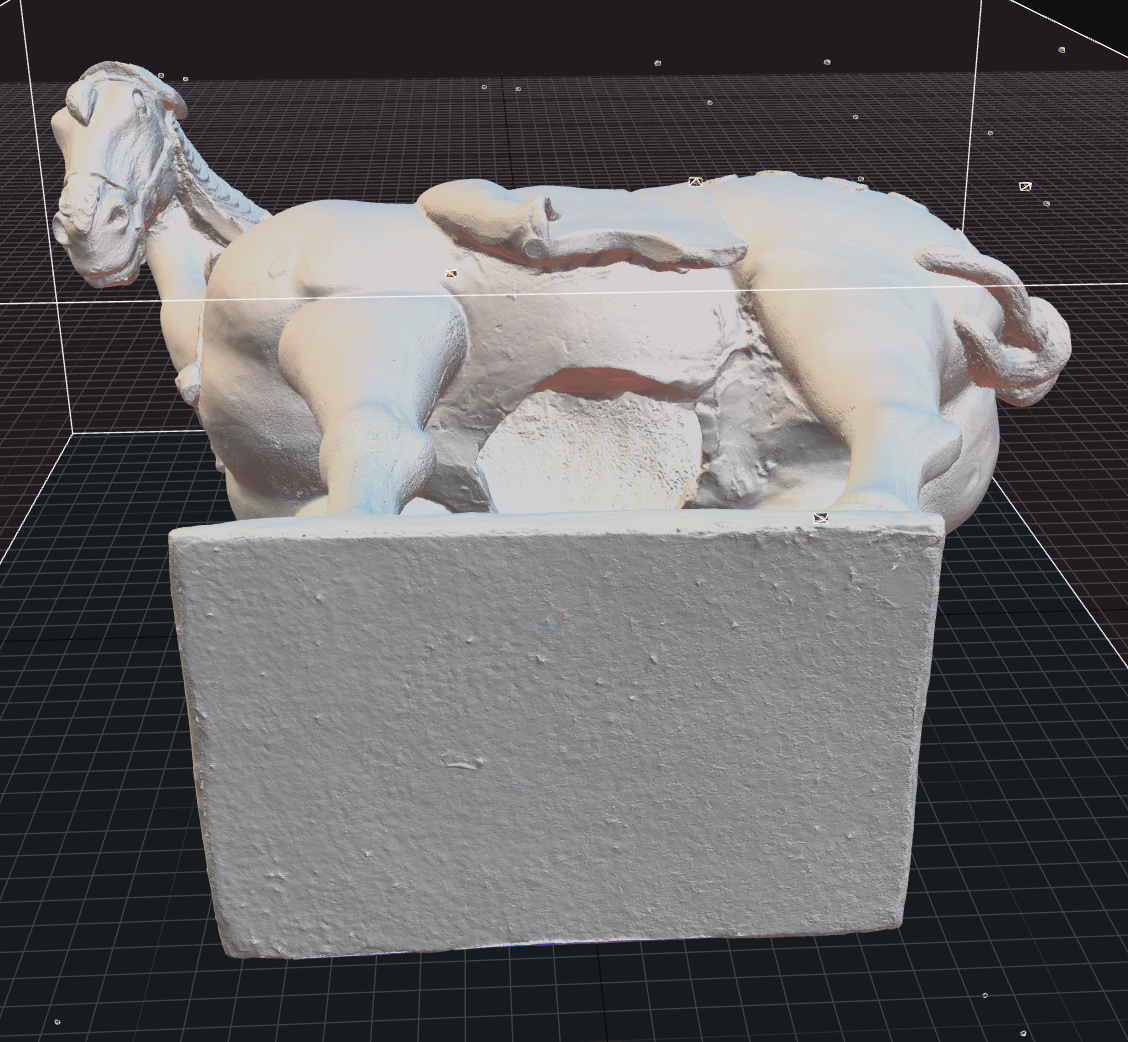
march 10, tuesday - scanning tang horse
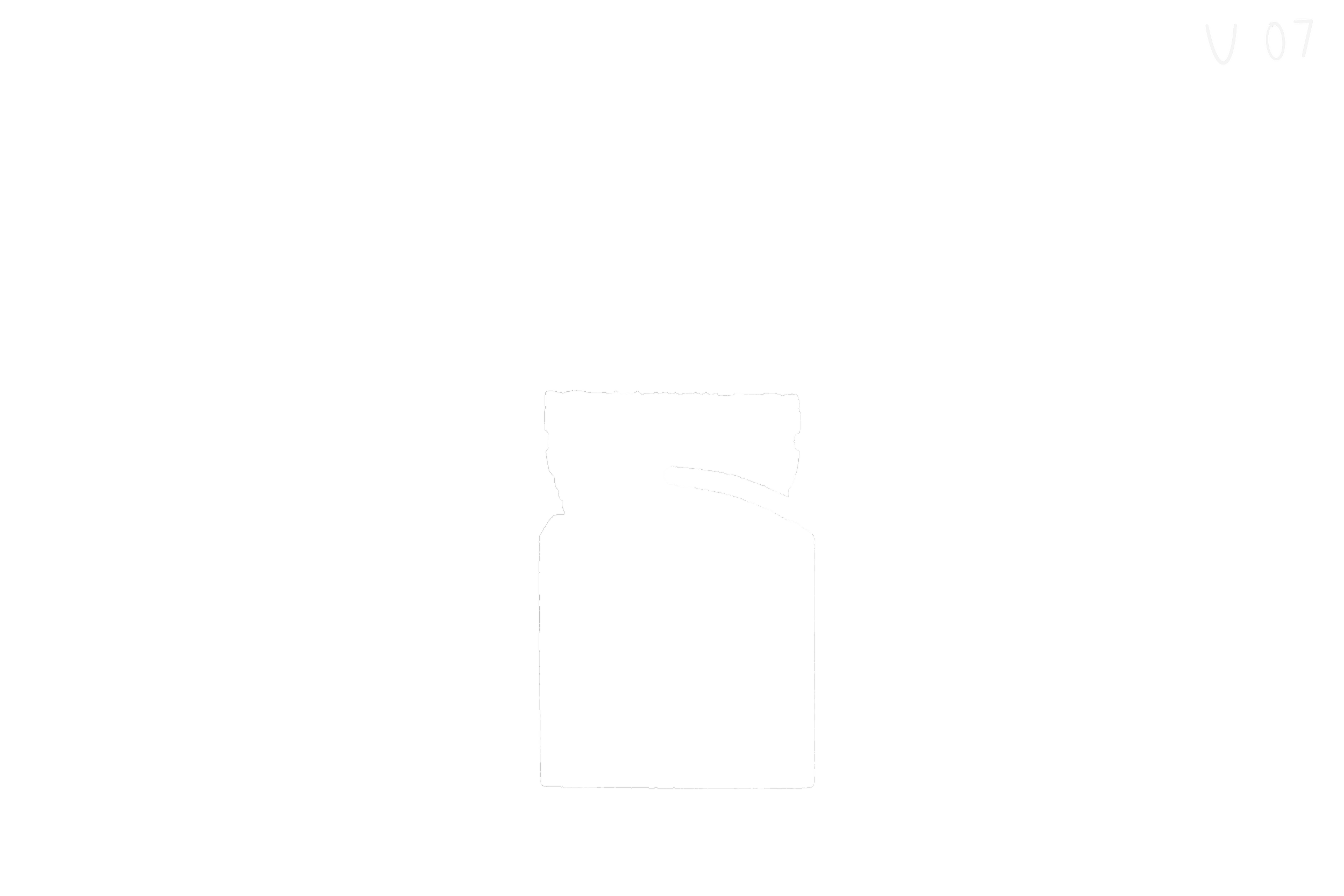
v07 - refined mask from v06 in photoshop to get pure black and white mask so the mask doesnt pick up those tiny mesh and texture details; masked out regions are transparent
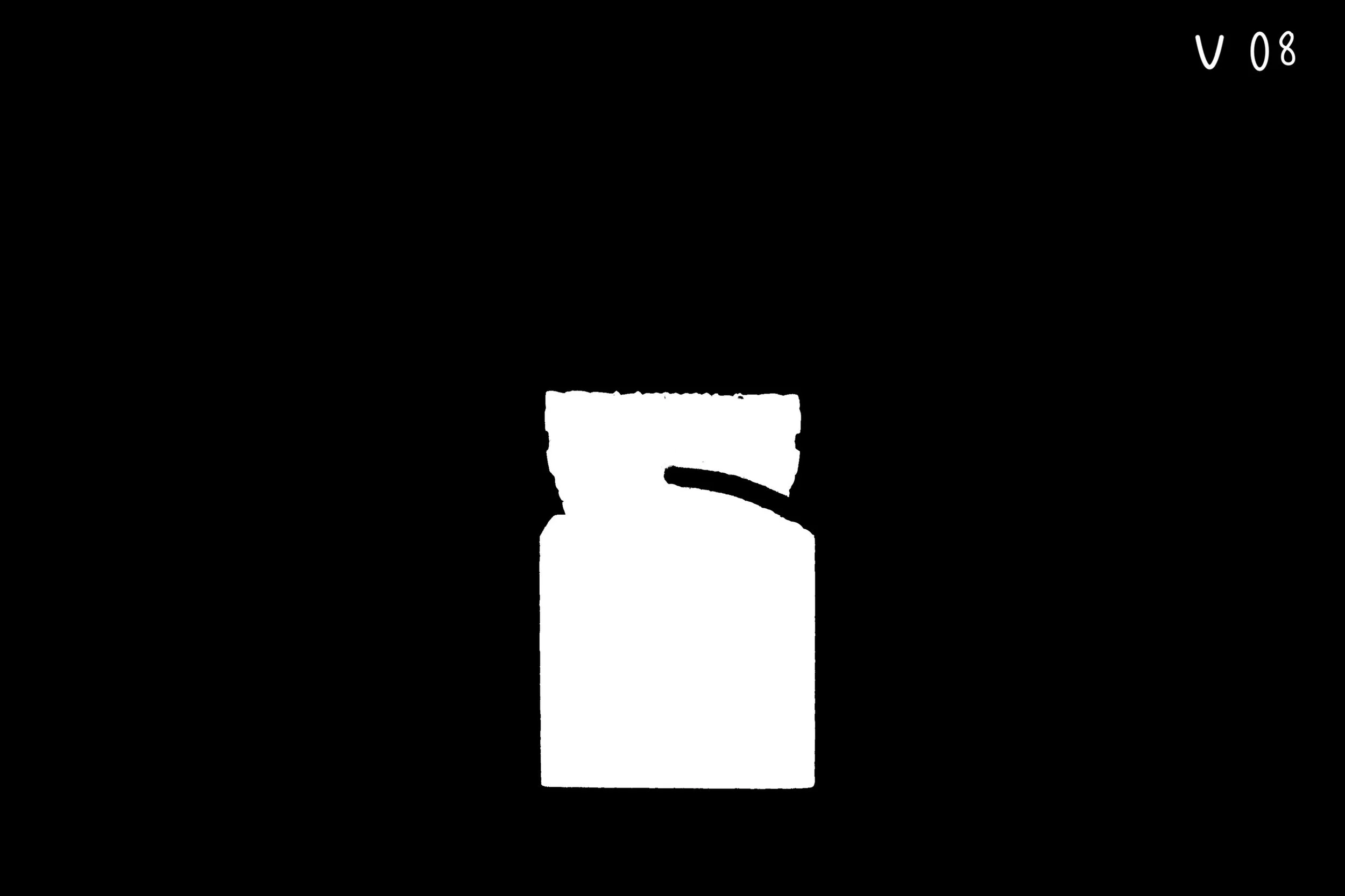
v08 - noticed some issues when testings prev version so comps the seal over a black background to get a black out mask for the regions to be removed
constructed reality scan master mesh (artifact looks good, but put on hold to test scanning the jade seal after spraying on artifact surface to get better feature detection after further approvals from musuem’s conservator
march 11: move on to next artifact - Start processing tang horse
Objective
Refine mask quality and evaluate reconstruction improvements across iterations and software comparisons.
I. Mask Processing Workflow in Photoshop
Further Mask Refinements: Mask iterations
Refined mask to fix issues on the bottom of the seal and overall mask accuracy using Photoshop. Refined PNG mask sequence to achieve clean separation of object and background. In Photoshop, I performed manual fixes where automatic selection failed due to variability across images.
v05 (v05, v05_1, v05_2) — Included new close-up images for various reconstruction testing iterations
v06 — Masked out turntable, tassel, and background (black regions)
Issue: keyer introduced unwanted fine details into the mask
v07 — Refined mask in Photoshop to create a cleaner, pure mask
Removed unwanted details
Masked regions set to transparent
v08 — Adjusted mask by converting transparent regions to black
Resolved reconstruction issues caused by transparency
Saved updated mask sequence for use in reconstruction.
Path:
jadeSeal_scan_jvarghese/mask_refine
II. Reconstruction Testing and Comparison
Reconstruction Testing
Reconstructed mesh using updated mask versions
Compared results against previous iterations
Evaluated impact of mask transparency vs black background
Findings and Analysis
Mask with transparent regions caused reconstruction inconsistencies
Blacked-out masks produced more stable results
Latest reconstruction showed improved artifact quality
Reconstruction was paused to test alternative scanning approaches (surface treatment for better feature detection).
III. Observations
Mask Quality Impact
Clean, binary masks produced more stable reconstruction results
Masks containing residual detail introduced unwanted geometry
Transparency vs Black Masks
Transparent masks caused issues during reconstruction
Blacked-out masks provided more consistent exclusion of unwanted regions
Workflow Challenges
Mask refinement was repetitive and time-consuming
Photoshop actions were inconsistent across images
Manual corrections were required for accurate selection
Iteration Outcome
Progressive mask refinement improved reconstruction quality
Final mask version (v08) provided the most stable input for reconstruction
IV. Cross-Software Testing
Constructed meshes in Agisoft Metashape for comparison in terms of feature detection and reduction of noise:
Jade Seal reconstruction
Buddha reconstruction
Used documentation references for reconstruction and masking workflows by Agisoft
Conclusion
The results were not satisfactory and failed in reducing noise while reconstructing and capturing the details from the scan data.
Agisoft Metashape: Buddha ReconstructionV. Transition to Next Asset
Began scanning the Tang Horse artifact
Paused Jade Seal reconstruction for further testing
Moved on to the Tang Horse asset
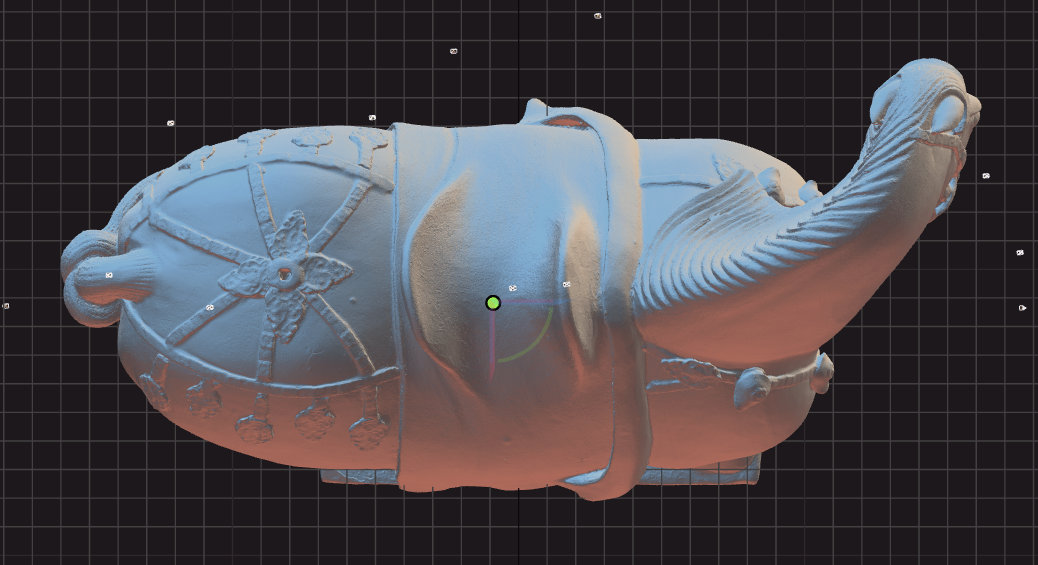
Processing phase of the scan data
Reconstruction of Tang Horse from scan data